Great in that it’s greatly testing my knowledge and patience with coding and UI/UX design
There’s a danger in wanting to be creative: eventually, you start trying to find new ways to deliver the things you create.
For the longest time, I was more or less satisfied with simply writing or drawing my stories. Then I started becoming more interested in how those stories were presented.
It’s one thing to have a long, continuous scroll of comic panels and turn it into a webtoon. But after a while, the novelty wore off for me. As I’ve been learning more JavaScript and experimenting with small interfaces and publishing automation, I realized I wanted my stories to live inside neat little containers of their own.
This actually goes back to something I loved when I was a kid: those interactive CD-ROM story games where you could click around a scene and have different things react. Now, I was probably 10-12 when I encountered them, a little past the recommended age to be fully engrossed in these environments, but the idea that a story could be something you explored rather than simply read stuck with me.
The way I imagine my stories isn’t quite like those old CD-ROM games, but I think I’ve found something that gets closer to what I want: scrollytelling.
Basically, it’s storytelling designed around scrolling. Instead of simply scrolling through a page of text or comic panels, the act of scrolling becomes part of the experience. Images, text, animations, and other elements can appear, move, change, or react as you progress.
It suits my purposes, because I was going to try my luck with Ren’Py to create a kinetic novel. But there are a lot of snags with both the program and the concept of kinetic novels.
For one, even a kinetic novel tends to come with an expectation of music and sound effects. I’m not much of a music maker, and there are only so many Kevin MacLeod tracks you can use before people start realizing they’ve heard the same ones in 20 other things on the internet.
Hiring musicians and sound designers would also get expensive pretty quickly, and I’m not at the point in my life where I can indiscriminately throw money at other creators (as so many people on the internet claim they do when they squawk about “supporting artists,” only to settle on demanding that other people do just that).
Meanwhile, I’ve rarely encountered music or sound effects in scrollytelling projects. That’s a win for me.
The other main snag was Ren’Py itself.
As I’ve come to learn over the past week, it’s very particular about how you write its code. I’m putting together a demo for a game in progress, and I’m learning a lot from the experience—not just Python, but also valuable lessons as just how short my fuse really is. I can say with some confidence that this might be the first and last time I’ll ever use Ren’Py for a project.
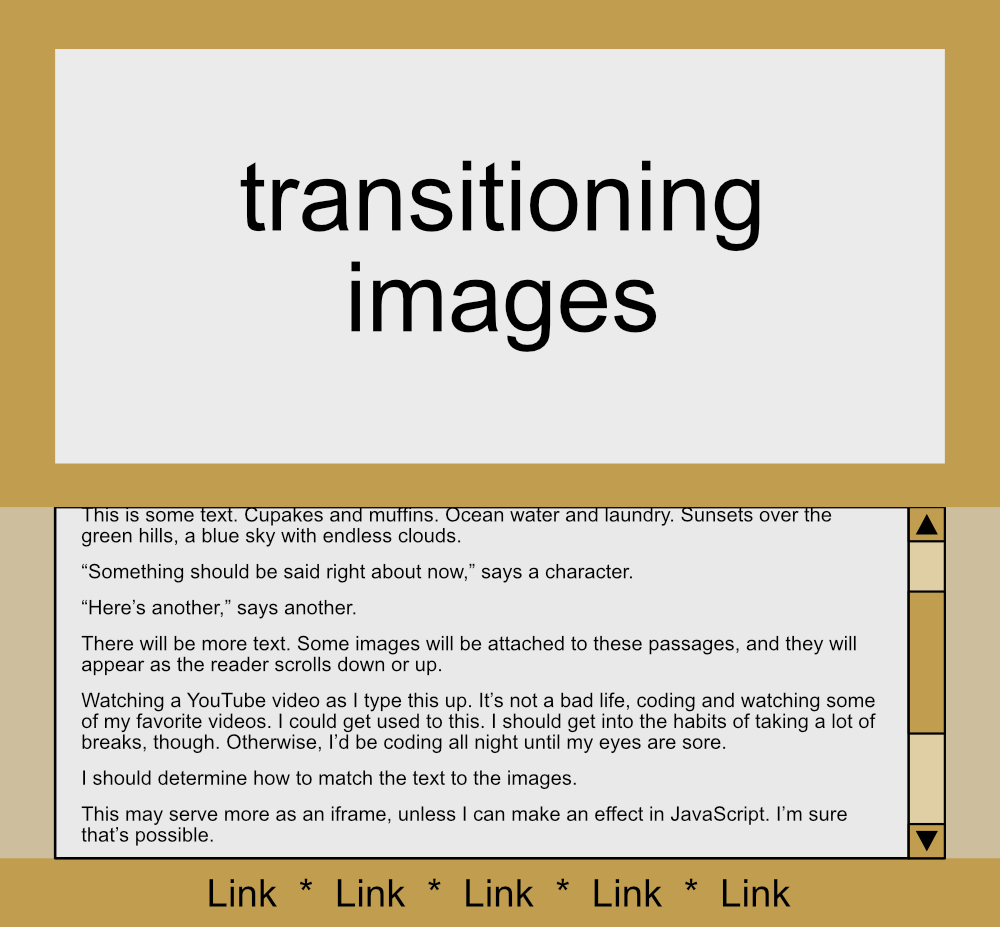
So, I decided the solution was to make my own scrollytelling system with JavaScript, which is going just a little more smoothly. Right now, I’m concentrating on getting the mechanics working first: making sure the scrolling, transitions, interactions, and other pieces actually behave before I start populating the thing with polished text and images.
It’s not much to look at yet, but it works. And that’s a pretty good start.

